Live voice AI examiner
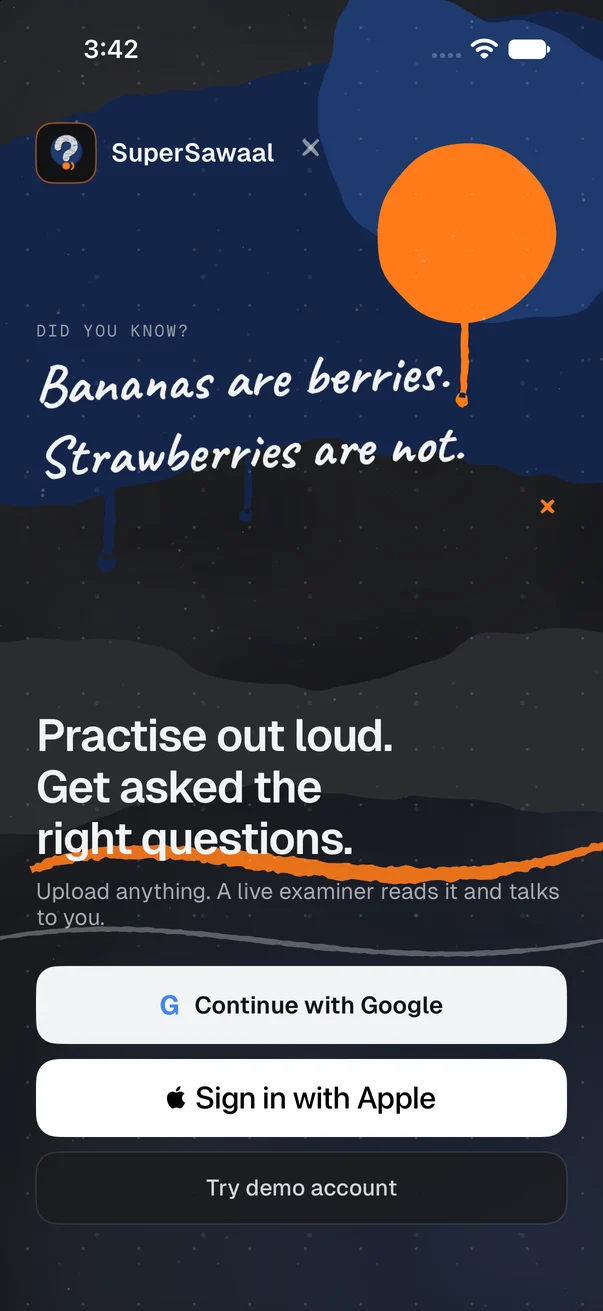
Practise out loud.
Get asked the right questions.
Upload your own notes, say what you are preparing for, and a live examiner asks you questions out loud. Answer, cut in, think aloud, then see exactly what to revise.
iPhone · Android coming soon · English & Hindi
your notes, your questions
Why SuperSawaal
Exams are spoken. Practice is silent.
- 01
High stakes, out loud
Interviews, vivas and boards are decided by what you can say under pressure, not by what you can recognise on a page.
- 02
Revision is reading
Re-reading notes feels productive, but it never tests whether you can explain an idea in your own words.
- 03
Examiners are scarce
A patient person to question you, any time, on your own material, is hard to find. Now it is in your pocket.
How it works
Four steps from your notes to a plan for the week.
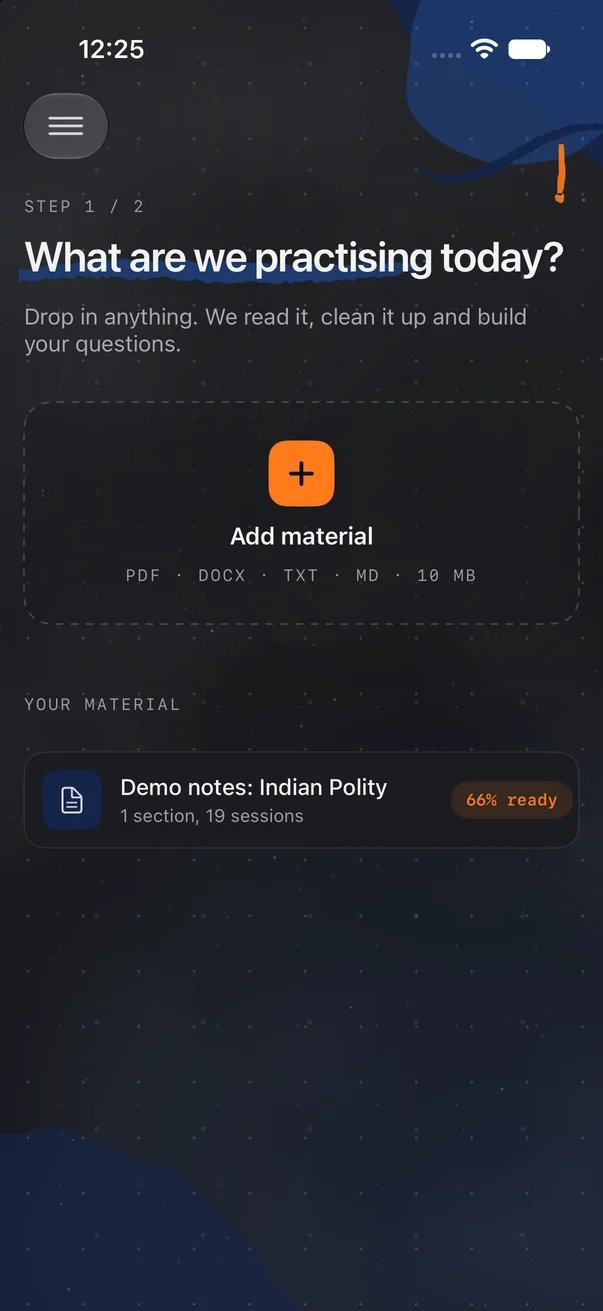
STEP 1 / 4
Upload
Add a PDF, DOCX, TXT or MD file, or paste text, up to 10 MB. Tell the app what you are preparing for.
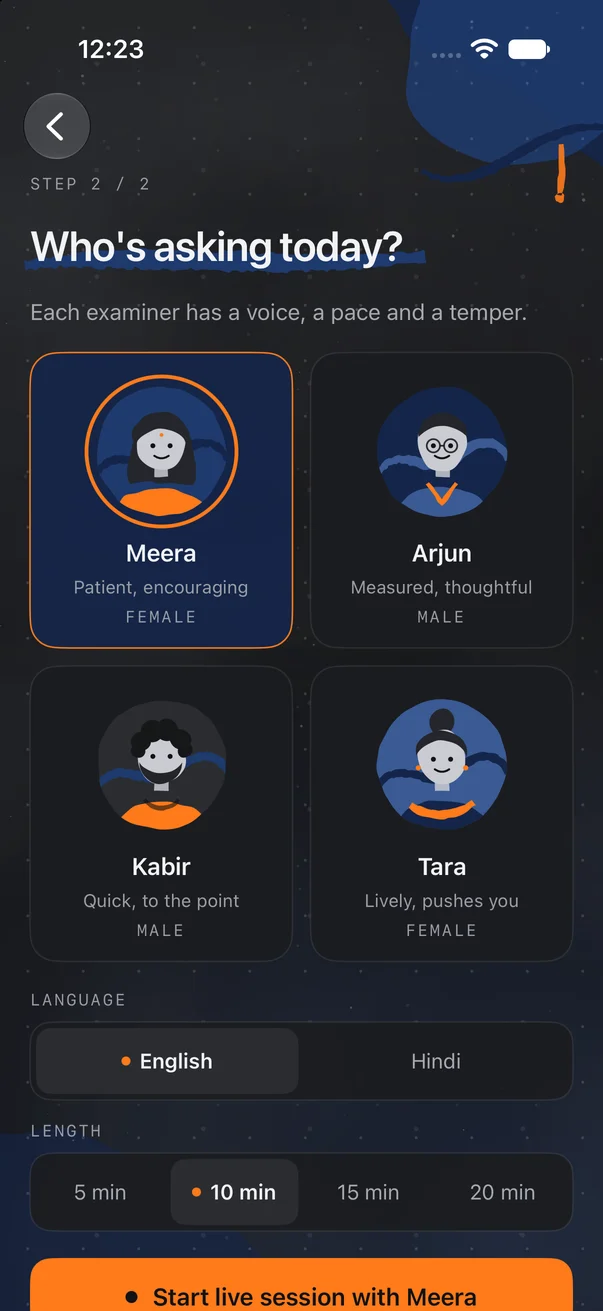
STEP 2 / 4
Pick your examiner
Choose who asks: patient, thoughtful, quick, or one who pushes you. Pick a session of 5, 10, 15 or 20 minutes.
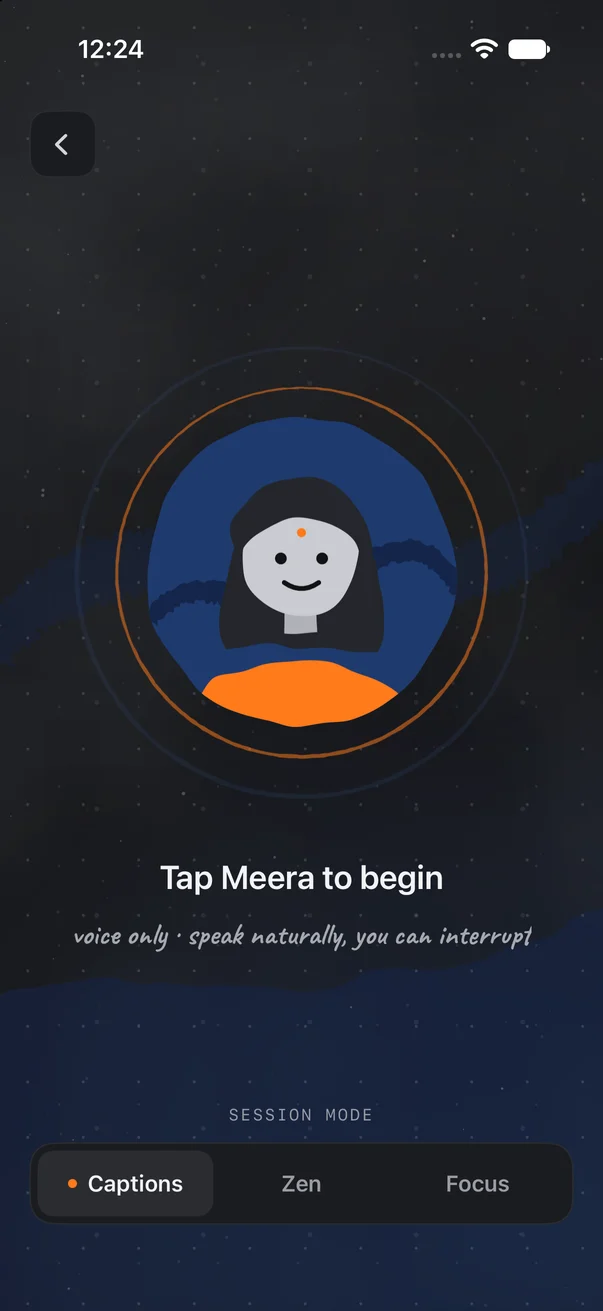
STEP 3 / 4
Talk
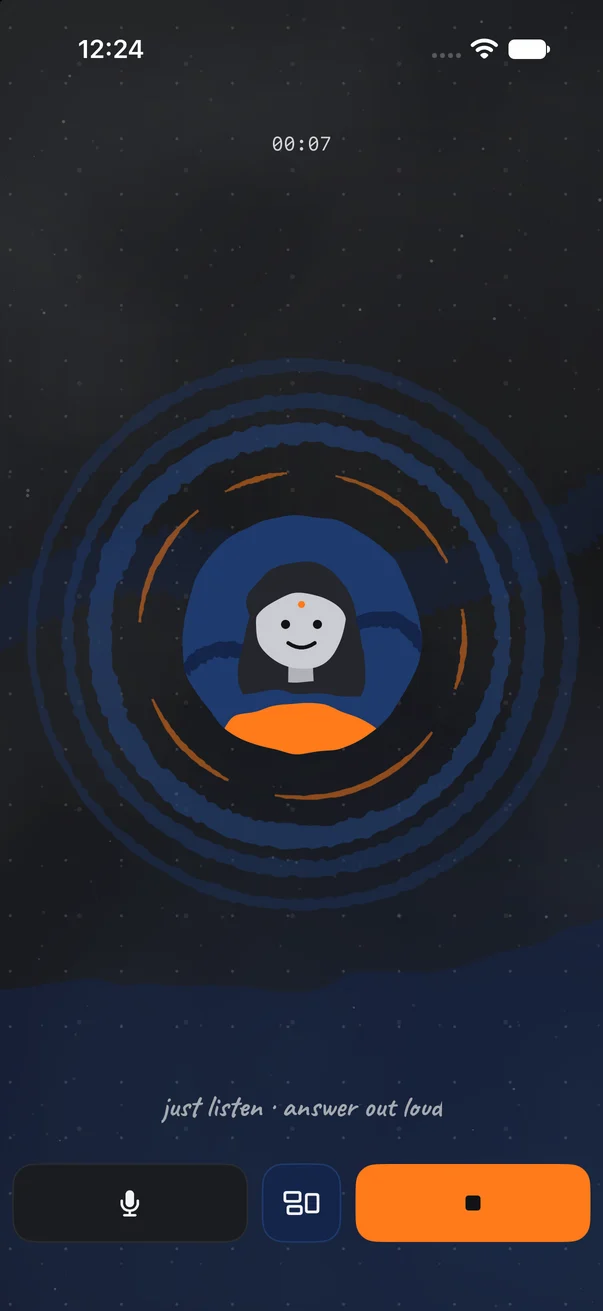
Answer out loud in English or Hindi. It is a live conversation, so you can cut in, ask to repeat or think aloud.
STEP 4 / 4
Improve
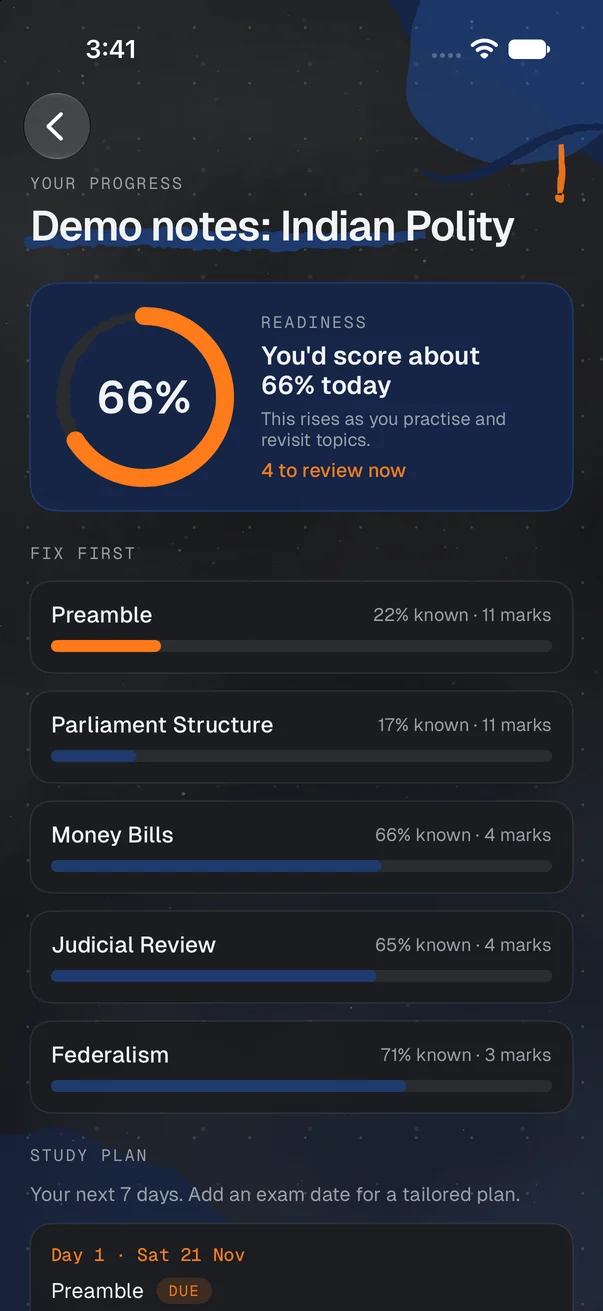
Get a report with a readiness score per material, weak topics ranked first and a 7-day plan.
Four examiners. Pick your style.
Same notes, different way of asking. Switch whenever you like.
who will you pick?

Meera
FEMALE
Patient and encouraging

Arjun
MALE
Measured and thoughtful

Kabir
MALE
Quick and to the point

Tara
FEMALE
Lively, and pushes you
Talk, don't type
A real conversation, not a quiz form
Every line the examiner says is generated live, from your material and from what you just answered. No canned audio.
Live and interruptible
Cut in mid-sentence, ask for a question to be repeated, or think aloud. The examiner follows you.
English or Hindi
Answer in whichever language you think in. The session follows your choice.
Captions, Zen, Focus
Read along with captions, go audio-only in Zen, or keep the screen minimal in Focus.
Examiner
Your notes cover inflation. What is the difference between demand-pull and cost-push inflation?
You
Demand-pull is when demand is more than supply. Cost-push is... when prices go up?
Examiner
Good start on the first part. Think about cost-push: who raises prices, buyers or producers?
You
Producers. Their costs rise, like wages or raw materials, so they raise prices.
Your material
Bring your own notes
No fixed syllabus and no question bank. You decide what to be asked about.
Checked before you start
Files that are not study material are rejected, and duplicates are caught, so every session is built on real notes.
Fresh questions every time
Questions are made dynamically from your material, so a second session on the same notes does not repeat the first.
Tell it the goal
Say what you are preparing for. For a job interview, upload the job description along with your prep notes.
Readiness report
Know exactly what to fix
After each session you see where you stand, material by material, instead of a vague feeling.
Readiness score per material
See which notes you are ready on and which still need work.
Weak spots first
Topics are ranked with the weakest on top, followed by a 7-day plan to work through them.
Sources shown
The passage from your own notes appears beside each marked answer, so you can check the marking yourself.
Weak topics, ranked first (illustrative)
- 1Cost-push inflationRevise first
- 2Monetary policy toolsShaky
- 3Demand-pull inflationSolid
The AI can make mistakes. Check the source shown beside each answer.
Built for anything you have to say out loud
Exam-agnostic. If you can upload notes for it, you can be asked about it.
Competitive exams
UPSC, state PSC and SSB interviews, plus NEET and JEE concept drills.
University vivas
Rehearse the questions an internal or external examiner is likely to ask.
Job interviews
Upload the JD and your prep notes, then practise answering like it is the real thing.
Any subject
A language, a certification, a talk you are giving. If it is in your notes, it works.
Private by design
Microphone only
The app uses your microphone. It does not use your camera.
Your notes stay yours
Your uploads are private to your account.
You are in control
Delete your account and data any time, inside the app.
Questions, answered
What is SuperSawaal?
A mobile app with a live voice AI examiner. You upload your own notes, and it asks you questions out loud and tells you afterwards what to revise.
Is it available on Android?
The iPhone app comes first. Android is coming soon. There is no web version.
Which exams does it work for?
Any. It works from the material you upload, so it suits UPSC, state PSC and SSB interviews, NEET and JEE concept drills, university vivas and job interviews.
What can I upload?
PDF, DOCX, TXT or MD files up to 10 MB, or pasted text. Files that are not study material are rejected and duplicates are caught.
Can I answer in Hindi?
Yes. You can answer out loud in English or Hindi.
Is it pre-recorded?
No. Every voice line is generated live, and questions are made fresh from your material.
Can I interrupt the examiner?
Yes. You can cut in, ask for a question to be repeated, or think aloud.
How do I sign in?
With Google or Apple. There are no passwords or OTPs to manage.
Can the AI be wrong?
Yes. It can make mistakes. The source passage from your notes is shown beside each marked answer so you can check it.
Does it use my camera?
No. It only needs your microphone.
How do I delete my data?
You can delete your account and data at any time in the app. See the Delete account page for the steps.
Get asked the right questions.
Download SuperSawaal and hear your first question.
iPhone · Android coming soon · English & Hindi